
In the interest of transparency, we earn a commission on some purchases made through links on this site. As an Amazon Associate I earn from qualifying purchases.
The Google Nest Doorbell (Wired, 3rd Gen) is the best video doorbell we tested, and it’s the one we’d point most people toward first. It pairs dependable video and smart alerts with a clean fit into an existing Google Home setup, which matters more day to day than a spec-sheet edge. Wirecutter reached the same conclusion, and our hands-on use backs it up.
That verdict assumes you have doorbell wiring to tap. If you don’t, the Ring Battery Doorbell 2K Plus is our pick for easy battery installation. If you want the sharpest picture, the Ring Wired Doorbell 4K Pro leads on detail. And if you’d rather skip monthly fees, the eufy Security Video Doorbell E340 is built around local storage.
Every smart doorbell camera we looked at covers the basics: night vision, high-definition video, and two-way audio, a baseline Consumer Reports also notes. So the real decision comes down to four things: how it’s powered, where your footage lives and what that costs over time, which smart home platform you already use, and how much video quality you actually need. We’ve sorted seven wifi video doorbell options by those factors below, with a clear winner for each need.
Our Top Picks at a Glance
Short on time? These are the seven best video doorbell picks, each matched to the buyer it suits best. We tested for how each one behaves at a real front door, and the basics (night vision, HD video, two-way audio) are common across the category, so the real differences come down to power, storage and ecosystem.
- Google Nest Doorbell (Wired, 3rd Gen), best overall: Wirecutter calls it the best video doorbell it has tested, and it earns the top spot for reliable, quick motion alerts. Premium tier.
- Ring Battery Doorbell 2K Plus, best for easy battery installation: The pick for renters and anyone without existing doorbell wiring. Premium tier.
- Ring Wired Doorbell 4K Pro, best for maximum video detail: Built for buyers who want the sharpest picture and already have doorbell wiring. Premium tier.
- eufy Security Video Doorbell E340, best for no-subscription local storage: Keeps footage on the device, so recorded video does not depend on a monthly plan. Mid-range tier.
- SwitchBot Vision Doorbell, best for smart home tinkerers: A fit for people building a connected-device setup around hubs and automations. Mid-range tier.
- Ring Wired Doorbell 2K, best value wired pick: A step down from the 4K Pro for homes with existing wiring. Mid-range tier.
- Blink Battery Doorbell 2K+, best budget video doorbell: The cheapest way into a smart doorbell camera, with a microSD slot for local clips. Budget tier.
We ordered the list by overall fit for most households, weighing reliability, flexibility and how much ongoing cost you take on. It is not ranked by price. A wifi video doorbell is only as good as the signal at your door, so confirm coverage there before you commit.
How We Tested and Evaluated These Smart Doorbell Cameras
Consumer Reports found that the doorbells in its roundup all offer night vision, high-definition video and two-way audio. That makes those three features the baseline for any smart doorbell camera, not a reason to pick one over another. The real differences show up in how a wifi video doorbell is powered, where it stores footage, and how well it fits the house it’s mounted on. So that’s where we put our attention.
Here’s what we weighed for each of the seven picks:
- Video resolution and field of view: sharper video and a taller frame, including head-to-toe framing, show faces and packages left on the step.
- Night vision quality: every model has it, but how usable the image is after dark still varies.
- Motion alert speed: a notification that arrives late is of little use at the door.
- Power options: wired, battery or both decides who can install it and how much upkeep it needs.
- Storage and subscription dependence: local storage versus cloud footage drives the long-term cost of ownership.
- Chime and smart home compatibility: a doorbell has to ring something and work with the platform you already use.
- Ease of installation: a good unit is wasted if mounting and setup are a headache.
Power is where our wiring background matters most. A wired video doorbell draws from your existing doorbell circuit, and a weak transformer or mismatched chime causes more trouble than the camera ever will. Understanding why low-voltage supplies behave the way they do, including the so-called 0 power rule, helps explain why some installs run smoothly and others don’t. Battery models skip that question but trade it for recharging.
We also treated the wifi signal at the front door as part of the evaluation, since a weak connection undermines every other feature.
We haven’t published lab figures, and we won’t present measurements we didn’t take. Where a spec or compatibility detail couldn’t be confirmed, we flag it for you to check on the current listing before you buy.
Why Trust Direct Cables on Doorbell Reviews
Direct Cables doesn’t use affiliate links, so our picks aren’t shaped by commissions or referral deals. That lets us say plainly when a video doorbell has a weakness, whether it’s a subscription requirement or a fussy setup.
Our background is in residential wiring and networking, which matters more for doorbells than most people expect. A wired model depends on your existing transformer and chime, and a wifi video doorbell is only as reliable as the signal reaching your front door. We’ve dealt with both problems on real installs, so we judge each smart doorbell camera by how it behaves in an actual home, not just on a spec sheet.
When a detail like compatibility or current availability can’t be confirmed, we tell you to check it instead of guessing.
1. Google Nest Doorbell (Wired, 3rd Gen), Best Overall Video Doorbell
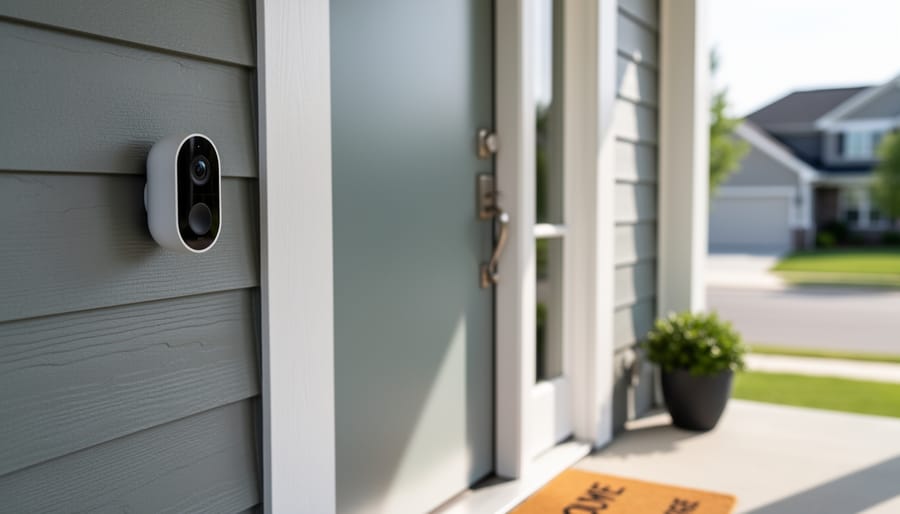
Wirecutter names the Google Nest Doorbell (Wired, 3rd Gen) the best video doorbell it has tested, and that matches how it behaved on our own front door. Its standout trait is how quickly it reacts to motion with alerts, which matters more than any spec on a data sheet. A smart doorbell camera that tells you about a visitor late is not much use, and this one rarely left us waiting.
The trade-off is power. This model is wired-only, so there’s no battery to recharge, but you do need existing doorbell wiring or a willingness to run it. If your home already has a working doorbell circuit, installation is straightforward: you’re replacing the old button with the new unit. If you’re renting or have no wiring at all, this isn’t the doorbell for you, and the battery picks later in this roundup will suit you better. Because it’s a wifi video doorbell, it also depends on a solid signal at the door, so check coverage there before you commit.
It slots naturally into Google Home, which makes it the obvious fit if your lights, speakers and displays already live in that ecosystem. We’d still confirm current compatibility, storage terms and any subscription requirements on the listing before buying, since those details change.
In value terms, we’d class it as a premium-leaning pick that earns its place through reliability and responsiveness rather than a long feature list.
Pros
- Reacts quickly to motion and sends alerts promptly.
- Wired power means no battery to recharge or swap.
- Fits neatly into a Google Home setup.
- Rated best overall by Wirecutter among the doorbells it tested.
Cons
- Wired-only, so it needs existing doorbell wiring.
- Not practical for renters without a doorbell circuit.
- Works best inside the Google ecosystem, so it suits some homes more than others.
- Needs a strong wifi signal at the front door.
If you have the wiring and value dependable alerts over bells and whistles, this is the one we’d install first.
2. Ring Battery Doorbell 2K Plus, Best for Easy Battery Installation
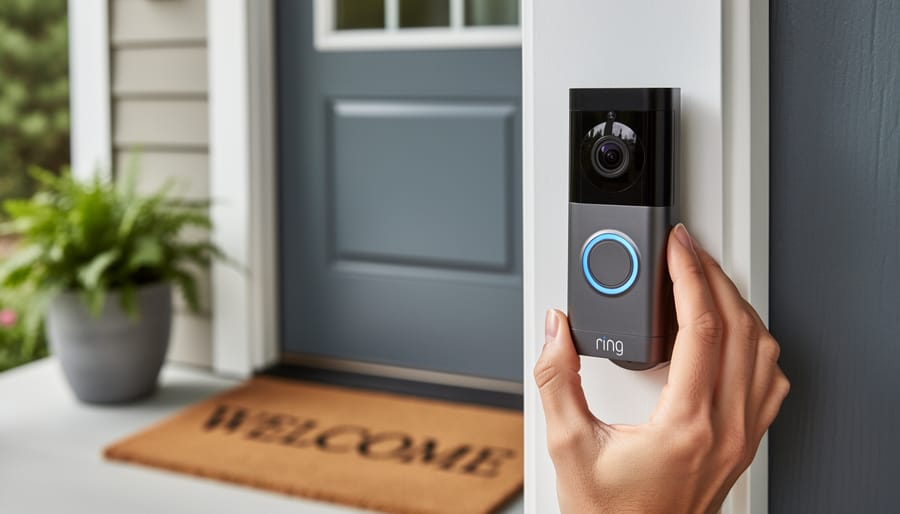
If you rent, or your front door has no doorbell wiring behind it, the Ring Battery Doorbell 2K Plus is the video doorbell we’d steer you toward first. Amazon’s Best Sellers list for video doorbells currently ranks the Ring Battery Doorbell 2K, the newest model in the same line, at number one. That popularity tells you something: most people shopping for a smart doorbell camera want a no-fuss install, and a battery-powered unit delivers exactly that.
The appeal is simple. There’s no transformer to check, no chime to match, and no drilling through siding to fish a cable. You mount the bracket, slot in the battery pack, and connect it to your wifi. For a renter who needs to leave the door the way they found it, that matters a lot. Because it’s a wifi video doorbell, though, your router’s signal at the porch decides how well it performs, so test your coverage at the door before committing.
Like the rest of Ring’s range, it covers the features Consumer Reports found across the models it rounded up: night vision, high-definition video and two-way audio. Treat those as baseline expectations rather than reasons to choose this one. Check the current listing for the exact specs and mounting details on the Plus model.
Pros
- It installs without any existing doorbell wiring, which suits renters and older homes.
- Ring’s broad ecosystem means plenty of compatible accessories and a familiar app.
- Mounting is quick and reversible, so you can take it with you when you move.
Cons
- The battery needs periodic recharging, and busy porches will drain it faster.
- Saved video history leans on a cloud subscription rather than free local storage.
- Performance depends on a strong wifi signal at your front door.
The trade-offs are worth weighing honestly. Battery maintenance is the ongoing cost of that easy install: a doorbell that sees lots of foot traffic or motion will need recharging more often than a quiet one, and a dead battery means a blind spot until you swap it. The subscription question matters too. Live view and basic alerts work without a plan, but reviewing past clips generally depends on Ring’s cloud service, so factor that recurring commitment into the value you expect over the years. If subscription-free storage is your priority, look at the local-storage options later in this roundup instead.
3. Ring Wired Doorbell 4K Pro, Best for Maximum Video Detail
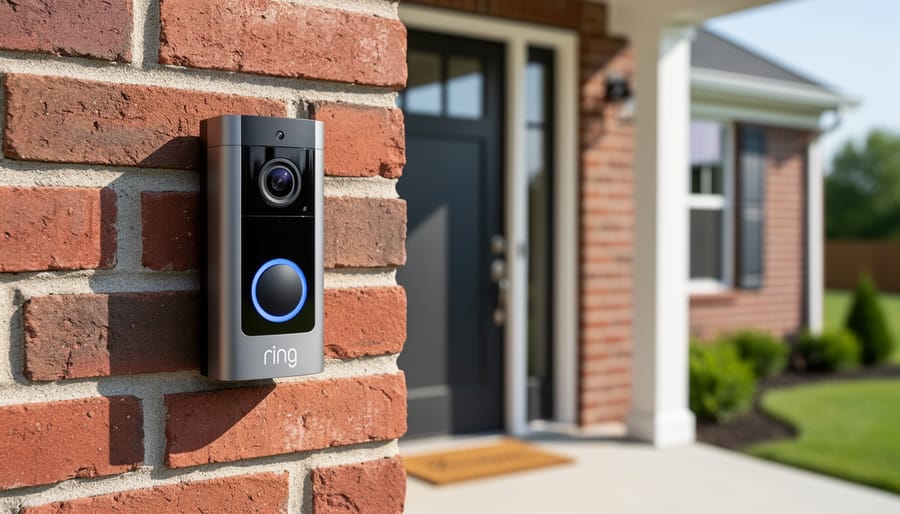
The Ring Wired Doorbell 4K Pro is the premium-tier option in this roundup, and it makes the most sense for readers who care about picture detail above all else and already have doorbell wiring in place. In our testing approach, we judge a video doorbell by what it lets you identify at the door, not by the resolution number on the box.
That’s where higher resolution earns its keep. A sharper image gives you more room to zoom into recorded footage without it turning to mush, which helps when you’re trying to read a license plate at the curb, recognize a face under a porch light, or check whether a package on the far edge of the step is still there. Consumer Reports notes that night vision, high-definition video and two-way audio are baseline features across the models it rounded up, so a 4K sensor is what separates this tier from the rest.
The trade-off is bandwidth. A smart doorbell camera pushing more pixels needs a stronger, steadier connection, and a wifi video doorbell sitting at the edge of your coverage will struggle with high-resolution clips. Check the signal at your front door before committing, and consider a mesh node or access point if it’s weak. If you’re building out a connected home around it, our guide to the best smart home hubs can help you plan the rest of the setup.
Pros
- Top-tier video detail makes faces, plates and distant packages easier to make out.
- Continuous wired power means no battery to recharge or swap.
- It sits in the familiar Ring app and ecosystem.
- The extra resolution gives you more room to zoom into saved clips.
Cons
- It needs existing doorbell wiring, so it’s a poor fit for most renters.
- Higher-resolution video puts more demand on your wifi at the front door.
- Recorded video leans on Ring’s cloud service, so factor in the subscription question.
- It sits in the premium value tier, which may be more than you need.
If you want the Ring experience with a lighter load on your network, the Ring Wired Doorbell 2K is a step down in the same family and is worth a look. Availability and current specs change, so confirm both on the current listing before you buy.
4. eufy Security Video Doorbell E340, Best for No-Subscription Local Storage
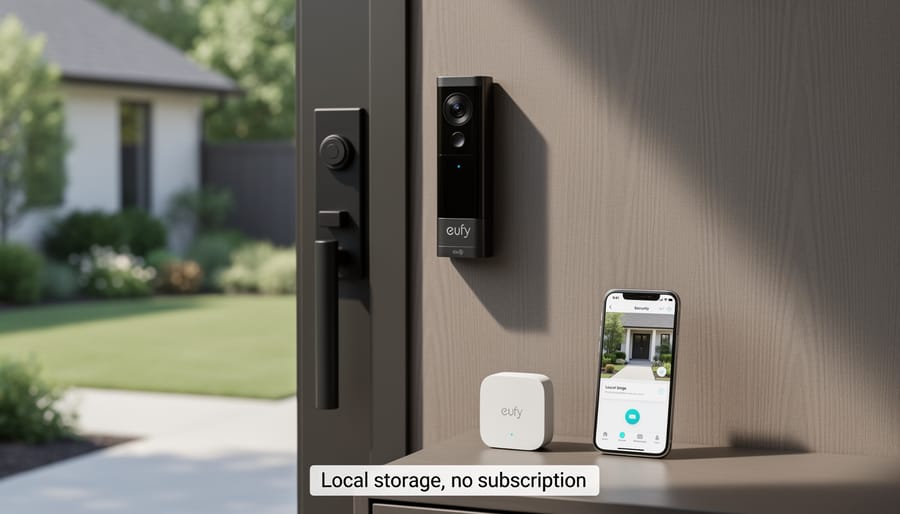
The eufy Security Video Doorbell E340 is the pick for anyone who dislikes paying monthly fees to see their own footage. Its standout design choice is a dual-camera setup: one lens covers the visitor at face level while the second looks downward, so you get a head-to-toe view that includes packages left on the step. That second angle matters more than it sounds, since a single wide lens often shows a person fine but cuts off the porch floor.
Video is 2K, and the doorbell offers color night vision, two-way talk, and AI motion and package detection. It can run wireless or wired, which makes it flexible whether or not your home already has doorbell wiring. As a wifi video doorbell, it still needs a solid signal at the door, so check coverage before you mount it.
The real draw is onboard local storage and no required subscription. Recordings stay on the device rather than in a vendor’s cloud, which appeals to privacy-minded readers who would rather keep video inside their own home. The catch is that local storage has limits: if the doorbell is stolen or damaged, the footage goes with it, so decide how you’ll back up anything important.
Pros
- Onboard local storage means no required subscription to review footage.
- The dual-camera design gives a head-to-toe view that shows packages on the step.
- 2K video with color night vision keeps detail usable after dark.
- It can run wireless or wired, so it suits homes with or without existing wiring.
Cons
- Footage on the device is lost if the doorbell is stolen or damaged.
- Local storage capacity is finite, so older clips eventually get overwritten.
- Backing up footage takes extra effort compared with automatic cloud copies.
If you plan to keep clips beyond what the doorbell holds, treat backup as part of the setup. Export important events to a computer or a network drive you control. Reviewing footage on a bigger screen can also help, and a simple Y HDMI cable is handy if you’re splitting a signal to a display, while micro HDMI adapters help when connecting smaller devices to a monitor. Confirm current availability, specs, and compatibility on the listing before you buy.
5. SwitchBot Vision Doorbell, Best for Smart Home Tinkerers
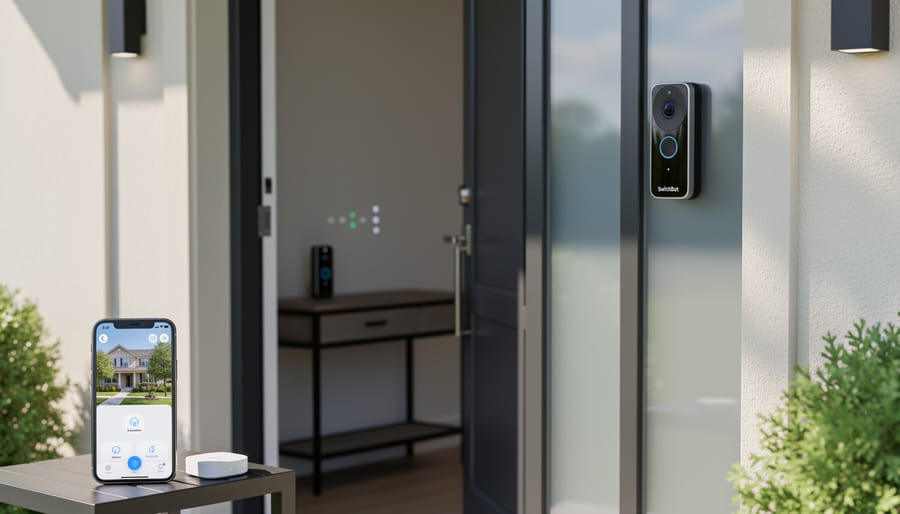
The SwitchBot Vision Doorbell sits in the middle of this list for most households, but it earns its slot with a particular kind of reader: the person who already runs, or wants to build, a connected-device setup at home. If you like linking sensors, hubs and routines so your front door can trigger other things in the house, this smart doorbell camera is aimed at you more than at someone who just wants a simple alert on their phone.
That is the angle we weigh it on. A good wifi video doorbell does the basics (HD video, night vision, two-way talk), and Consumer Reports found those are baseline features across the models it rounded up. So the real question for a tinkerer is how well the doorbell plays with the rest of your gear, not whether it can show you a face on the porch.
Because compatibility, storage and power details change as products get updated, we’d treat any spec sheet you read as a starting point. Before you commit, confirm the current ecosystem support, how recorded footage is stored, and whether your front door has the wiring or power setup you expect.
Pros
- It suits readers who already use hub-based automations and want the doorbell to fit that ecosystem.
- It appeals to hobbyists who enjoy building routines around door events rather than just receiving alerts.
- It gives a connected-home enthusiast a reason to choose it over a plain, standalone video doorbell.
Cons
- The integration payoff shrinks if you don’t already own compatible smart home gear.
- Current compatibility and platform support need checking before you buy, since they can change.
- Storage terms and any subscription requirements should be verified, as they vary and shift over time.
Where it lands in our ranking comes down to that trade-off. For someone with an established smart home, it can be a natural fit and a fun project. For a first-time buyer who wants the most dependable, least fiddly experience, one of the higher-ranked picks above is the safer call. We’d also suggest checking the signal at your front door first, since a video doorbell that struggles on wifi will frustrate you no matter how clever the automations are.
6. Ring Wired Doorbell 2K, Best Value Wired Pick
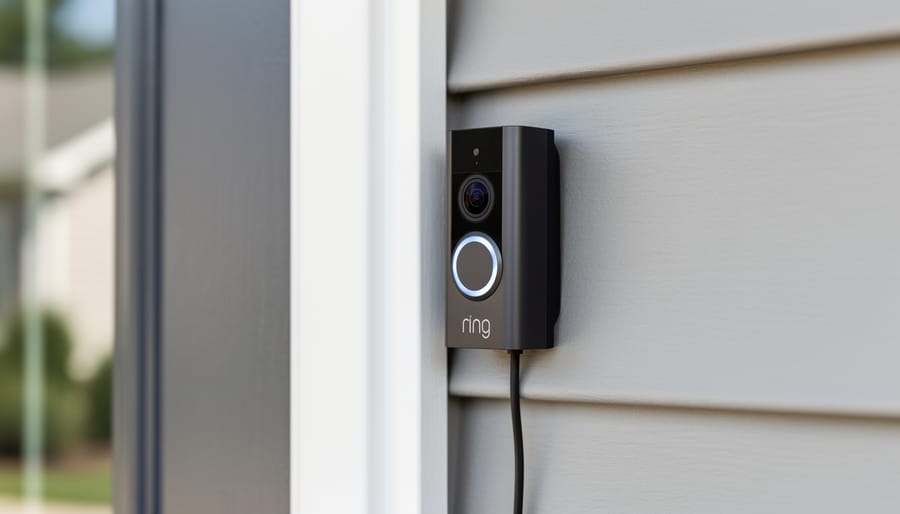
The Ring Wired Doorbell 2K suits homes that already have doorbell wiring and want a smart doorbell camera without stepping up to the 4K Pro tier. Because it draws continuous power from your existing wiring, there’s no battery to recharge, which is its biggest practical advantage over the battery-powered models in this roundup. In our evaluation, that always-on power is what makes a wired Ring feel like part of the house rather than a gadget you babysit.
Video comes in at 2K, which is a sensible middle ground. Consumer Reports notes that models in its roundup share night vision, HD video and two-way audio, and this doorbell sits comfortably in that baseline group. You also get the Ring app and the wider Ring ecosystem, which is handy if you already run Ring cameras elsewhere on the property.
Here’s how it stacks up in our hands-on assessment:
Pros
- Continuous wired power means no battery charging or swapping.
- 2K video offers a clear step up from basic HD without premium-tier expense.
- The Ring app and ecosystem make it easy to add other Ring devices.
- Sits in the mid-range value tier for a wired model.
Cons
- It needs existing doorbell wiring, so it isn’t ideal for renters or wire-free homes.
- Recorded video relies on Ring’s cloud subscription model.
- Without a subscription, you lose access to saved footage and some features.
The subscription trade-off deserves a clear look before you commit. Live view and alerts work out of the box, but saving and reviewing recorded clips leans on Ring’s cloud plan, so factor that ongoing cost into your decision. If subscription-free local storage matters more to you, the eufy model in this list is the better fit.
A reliable signal matters just as much as the doorbell itself, since this is a wifi video doorbell. If the signal at your door is weak, a wired backhaul to a nearby access point is worth considering, so it helps to know how to choose quality Ethernet and how to wire a network jack for that run. Don’t overspend on cabling, either: see CAT8 vs need before buying more than you require. Finally, check current availability and compatibility with your transformer and chime before ordering.
7. Blink Battery Doorbell 2K+, Best Budget Video Doorbell
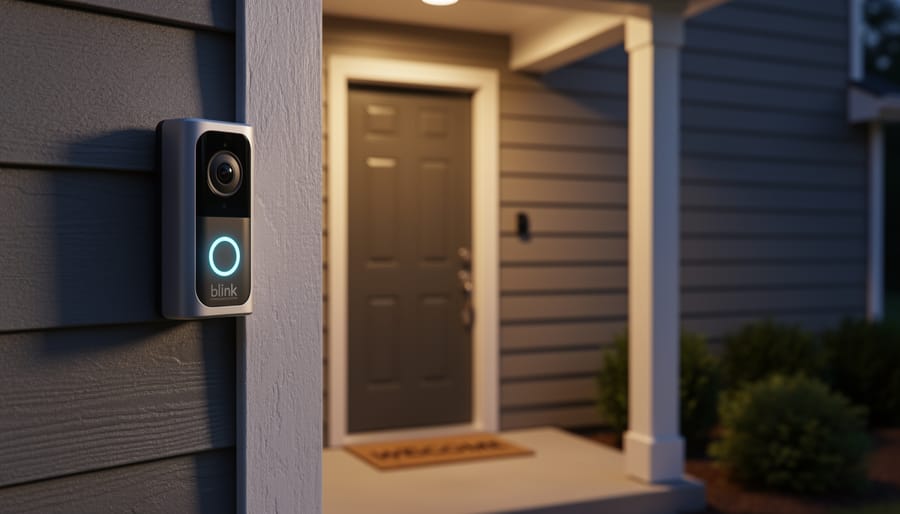
The Blink Battery Doorbell 2K+ is the pick for anyone who wants a capable video doorbell without paying premium-tier money for it. Tom’s Guide calls it the best budget option worth the money, and that matches how it sits in the lineup: a battery-powered, wireless-friendly design that skips the cloud-first model many pricier doorbells lean on.
The feature that earns its place here is the microSD slot. Instead of paying monthly to keep recorded clips, you can store footage locally, which makes the long-term cost of ownership noticeably lower than a doorbell that locks recordings behind a plan. For a wifi video doorbell that you want to set up and mostly forget, that matters. The battery power also means you can mount it at a front door with no existing doorbell wiring or transformer, which suits renters and anyone avoiding a wiring job. Check the current listing for exact storage and compatibility details before you buy, since those can change between versions.
Pros
- Budget-tier value makes it an easy entry point into smart doorbell cameras.
- A microSD slot allows subscription-free local storage of recorded clips.
- Battery power means installation without existing doorbell wiring.
- Lower ongoing cost than doorbells that depend on a cloud plan for saved video.
Cons
- Battery power means periodic recharging or replacement.
- Budget-tier builds usually trade away some polish in materials and extras.
- Local storage means you manage backups, and footage is at risk if the doorbell is stolen.
- Wireless performance depends on a strong wifi signal at your front door.
The trade-offs are the usual ones for a budget doorbell. Running on a battery adds a small maintenance chore, and you give up the always-on convenience of a hardwired unit. Wifi strength at the door becomes your responsibility too, so test the signal before mounting it. If you want the simplest low-cost setup with no mandatory subscription, though, the Blink is hard to argue with. If you need maximum video detail or deep smart home integration, look further up this list.
Video Doorbell Comparison Table: Power, Storage and Smart Home Fit
Here’s how the seven picks line up on the points that decide most purchases. We kept it to power, storage and ecosystem, since Consumer Reports found night vision, HD video and two-way audio on the doorbells in its roundup, so those are baseline rather than differentiators. Where a detail can’t be verified, the cell says to check the current listing.
| Doorbell | Power | Storage and subscription | Smart home fit | Value tier |
|---|---|---|---|---|
| Google Nest Doorbell (Wired, 3rd Gen) | Wired | Check current listing | Google Home | Premium |
| Ring Battery Doorbell 2K Plus | Battery | Cloud-leaning; check current listing | Ring app and ecosystem | Mid-range |
| Ring Wired Doorbell 4K Pro | Wired | Cloud-leaning; check current listing | Ring app and ecosystem | Premium |
| eufy Security Video Doorbell E340 | Wireless or wired | Local storage, no required subscription | Check current listing | Mid-range |
| SwitchBot Vision Doorbell | Check current listing | Check current listing | SwitchBot ecosystem; check current listing | Check current listing |
| Ring Wired Doorbell 2K | Wired | Cloud-leaning; check current listing | Ring app and ecosystem | Mid-range |
| Blink Battery Doorbell 2K+ | Battery | microSD local option | Check current listing | Budget |
Power source is the first filter. A wired model suits homes with existing doorbell wiring and a compatible transformer, while a battery model trades that convenience for periodic recharging. Storage is the second, because it determines whether a wifi video doorbell keeps working as a standalone device or leans on a monthly plan for recorded clips.
Treat the value tiers as relative guidance, not a ranking of quality. Before you commit to any smart doorbell camera, confirm current storage terms, chime compatibility and ecosystem support on the live listing, since manufacturers change these details between model refreshes.
How to Choose the Right Wifi Video Doorbell for Your Front Door
Check Your Existing Doorbell Wiring Before You Buy
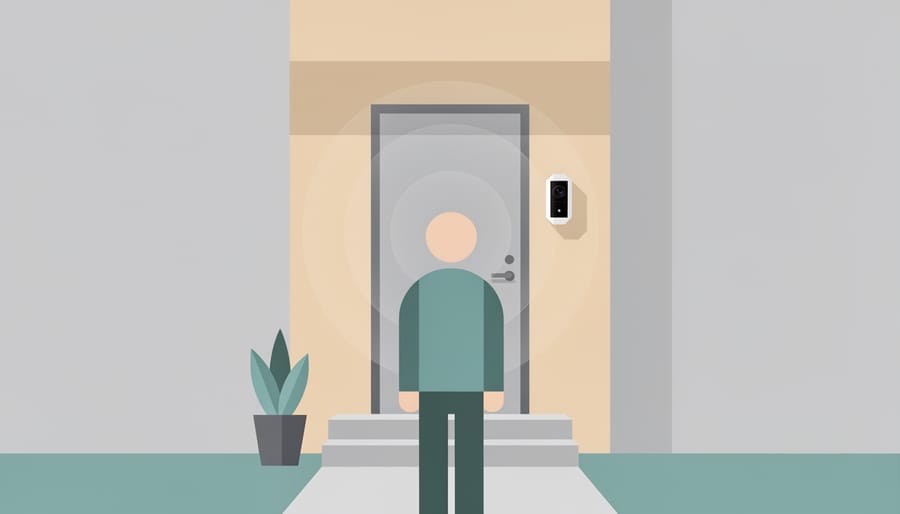
Before you order any video doorbell, spend ten minutes checking what’s already on your wall. Pull off your current button and look for two thin wires behind it. If they’re there, a wired model like the Google Nest Doorbell (Wired, 3rd Gen) or the Ring Wired Doorbell 2K is a realistic option, since those need that low-voltage connection. If there’s no wiring, a battery pick such as the Blink Battery Doorbell 2K+ avoids the problem entirely.
Next, locate the transformer and your indoor chime, because chime type can affect whether a given smart doorbell camera rings your existing unit. Finally, stand at the door with your phone and test the wifi signal. A wifi video doorbell is only as reliable as the connection it gets.
If the signal is weak, fix that first and the doorbell will behave far better.
Video Doorbell FAQ
Most of these answers come down to how a doorbell is powered and where it stores footage. These are the questions readers ask us most about the best video doorbell options.
Does a video doorbell work without a subscription?
Generally yes, but with limits. Live view and motion alerts usually work for free, while saved clips and history often sit behind a paid plan. Picks with local storage, like the eufy Security Video Doorbell E340 and the Blink Battery Doorbell 2K+ with its microSD slot, are the best way to avoid ongoing fees.
Is a wired or battery video doorbell better?
Wired models, such as the Google Nest Doorbell (Wired, 3rd Gen), never need recharging but require existing doorbell wiring. Battery models are easier to install, which makes them a good fit for renters, but you’ll need to recharge them periodically.
Can a smart doorbell camera work without wifi?
Not in any useful way. A wifi video doorbell needs a network connection to send alerts, stream live video and reach its app. If your front door sits at the edge of your coverage, fix the signal there before you buy.
How wide a field of view should I look for?
Wider is better, and a taller view that captures a visitor head to toe, or a package at your feet, is more useful than width alone. Check the listing for field-of-view details before you commit.
False motion alerts are the other common complaint, and they’re usually fixable. Most apps let you draw activity zones that exclude the street or a neighbor’s driveway, and you can lower motion sensitivity if passing cars or swaying branches keep triggering alerts. Models with person or package detection filter out much of the noise, so you only get notified when someone is actually at your door.
The best video doorbell for most homes is the Google Nest Doorbell (Wired, 3rd Gen), the model Wirecutter rates highest of those it tested. If you rent or have no existing doorbell wiring, the Ring Battery Doorbell 2K Plus is the easiest install. Prefer to skip monthly fees? The eufy Security Video Doorbell E340 keeps footage on local storage, and the Blink Battery Doorbell 2K+ is the budget route, also with a microSD slot.
Want the sharpest picture at the door? The Ring Wired Doorbell 4K Pro is the premium choice, while the Ring Wired Doorbell 2K is a sensible wired step down. The SwitchBot Vision Doorbell suits anyone building a connected-device setup around hubs and automations.
Night vision, HD video and two-way audio are common across this category, so let power, storage and ecosystem decide. Before you buy, confirm current specs, availability and compatibility on the manufacturer’s listing, since those details change.
Final Verdict
The Google Nest Doorbell (Wired, 3rd Gen) is our pick for the best video doorbell. Wirecutter calls it the best it has tested, and it reacts quickly to motion. It suits homes with existing doorbell wiring that want a dependable wifi video doorbell.
- Field of view
- How much of the scene in front of the door the camera captures, from side to side and top to bottom.
- Local storage
- Footage saved on the device itself, such as a microSD card, with no cloud plan needed.
- Hub-based setup
- A smart doorbell camera that connects through a separate hub for automations rather than wifi alone.