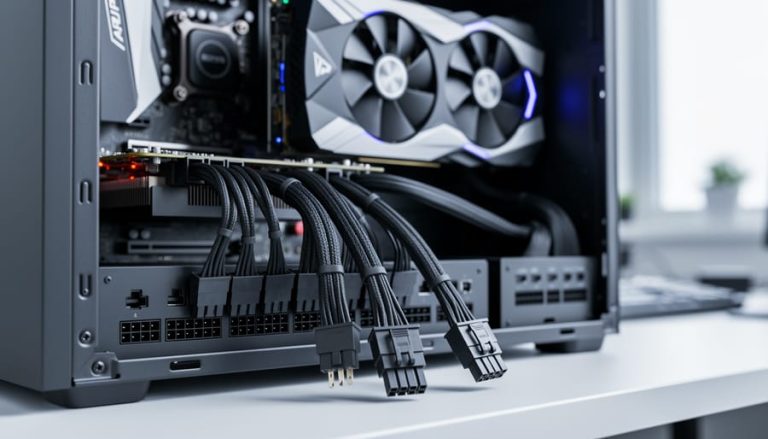
Your PC powers on but won’t POST, or it boots but performs far below expectations. Before you start swapping components, check your power supply cables first. Cable-related issues are among the most frequently overlooked causes of new build failures, and PCPartPicker’s compatibility checker doesn’t verify whether you have the right cables or that they’re properly connected.
The quickest diagnostic: if your GPU fans spin but you get no display output, or if your system randomly shuts down under load, you’re likely dealing with insufficient or incorrect PCIe power connections. Many builders assume all PSU…